Start to finish
How it works
There is no clever trick here and nothing we would rather you didn't ask about. This is the whole job, in order.
What happens
Three steps, and you can stop at any of them
- 01
You tell us about the house
The survey form. Your name, number and postcode, and whether you can walk round the outside. Two minutes, and it costs nothing.
- 02
We survey it, free
About half an hour. We walk the outside of the building and find the route. You get a fixed price in writing, usually the same day. If an external run won't work at your house, this is where we say so, and you owe us nothing.
- 03
We install it
Usually one day. Weatherproof Cat6 around the outside, two pencil-width holes sloped downward and sealed, RJ45 sockets and a switch at each end. Every run tested and labelled before we leave.
Step one
The survey, about half an hour
We look at where the fibre enters the house, where the router sits, where you work, and what the outside of the building looks like. Then we walk the route. You get a fixed price by email, usually the same day, and there is no obligation attached to it.
If the route doesn't exist, this is where we say so. It costs you nothing.
Step two
The route
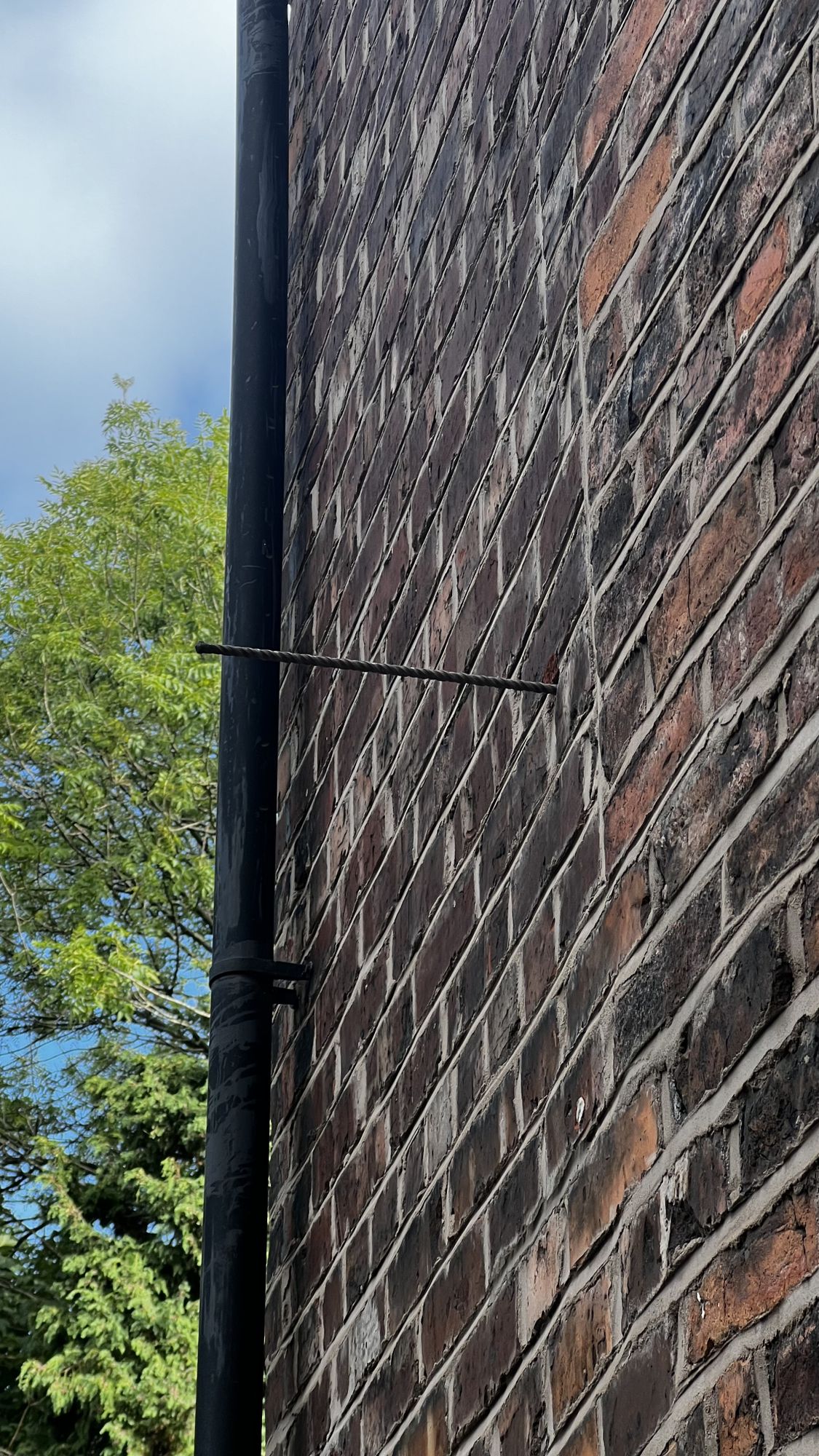
We follow lines the building already has: gutters, soil pipes, the run of an existing alarm or telephone cable. A cable that follows an existing line disappears. A cable that cuts its own path across a blank elevation is the one you notice forever.
Corners are radiused, never kinked. A kinked Cat6 run underperforms for the rest of its life and you will never know why.
Step three
The holes
One at each end. Drilled sloping downward from the inside to the outside, so water cannot track along the cable and in, then sealed. It is the same method used for an outside tap, an alarm box or a boiler flue, and it has been standard for decades.
What's left behind
No redecoration. Nothing to make good.
- No floorboards up.
- No walls chased.
- No plastering, no painting, no carpet lifted.
- Two holes the width of a pencil, sloped downward and sealed.
It costs you money and twenty minutes of moving furniture. That's the whole disruption.
Step four
The cable
Solid copper, external grade, UV resistant Cat6. Not copper-clad aluminium, which is cheaper, is widely sold as Cat6, and goes brittle outdoors.
Cat6 comfortably carries 2.5 Gbps today and in most domestic run lengths will carry 10 Gbps later. We do not upsell Cat6A for a house. Over these distances it buys you nothing.
Worth knowing before you book
Will you actually get the full speed?
At the socket on your wall, yes. Whether your computer can take it is a separate question, and it is better answered before you spend anything than afterwards.
Most laptops have a gigabit port and will see around 1 Gbps, no matter what the cable carries. That is still roughly ten times what a back bedroom gets over wifi, and it will be steady rather than spiky, which is the part that actually ruins calls. Many newer laptops have no network socket at all and need a USB-C adapter, and the cheap adapters are gigabit too. Docks and monitors with a built-in network port are almost always gigabit, and plugging into your monitor rather than the wall is one of the commonest ways people quietly throttle themselves.
None of that is a reason not to do this. It is a reason to ask first. Tell us what you work on and we will tell you what you will get. If a fifteen pound adapter doubles your speed, we would rather you knew.
Step five
The ends, and the kit
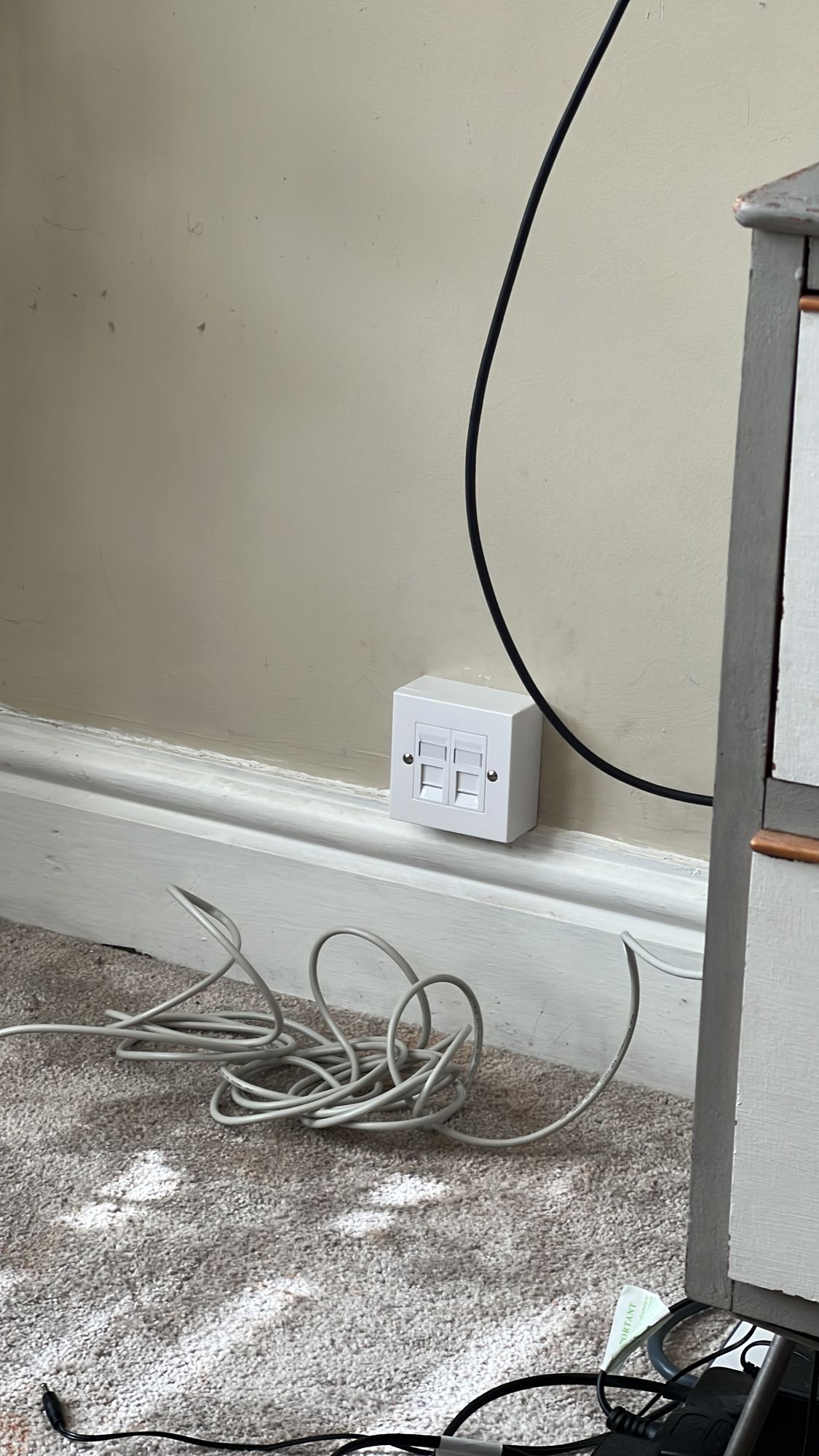
A proper RJ45 wall socket at each end, screwed to the wall and punched down properly. Then a multi-gigabit switch in each room and patch cables of the correct grade, both included in the price, so you finish the day with a working connection rather than a socket and a shopping list.
Step six
Testing, then we go
Every run is tested for continuity and link speed, then labelled at both ends. You see the result. If a run does not pass, it does not get left.
Most jobs are a day. You need to be in, we need access to the rooms at both ends, and it helps if the space around your desk is clear before we arrive.